How to use the Google Ads headline generator
- Add your page and promotion. Paste the landing page you want people to visit and describe what you're advertising. Audience, location, keyword and offer are optional but make the copy more specific.
- Check the summary. Purple+ reads the page and lists what it found, kept separate from the details you supplied. Correct anything that's wrong before writing.
- Edit your assets. You get 15 headlines grouped by angle and four descriptions. Edit any of them, favourite the ones you like, rewrite individual lines or refine the whole set with a short instruction.
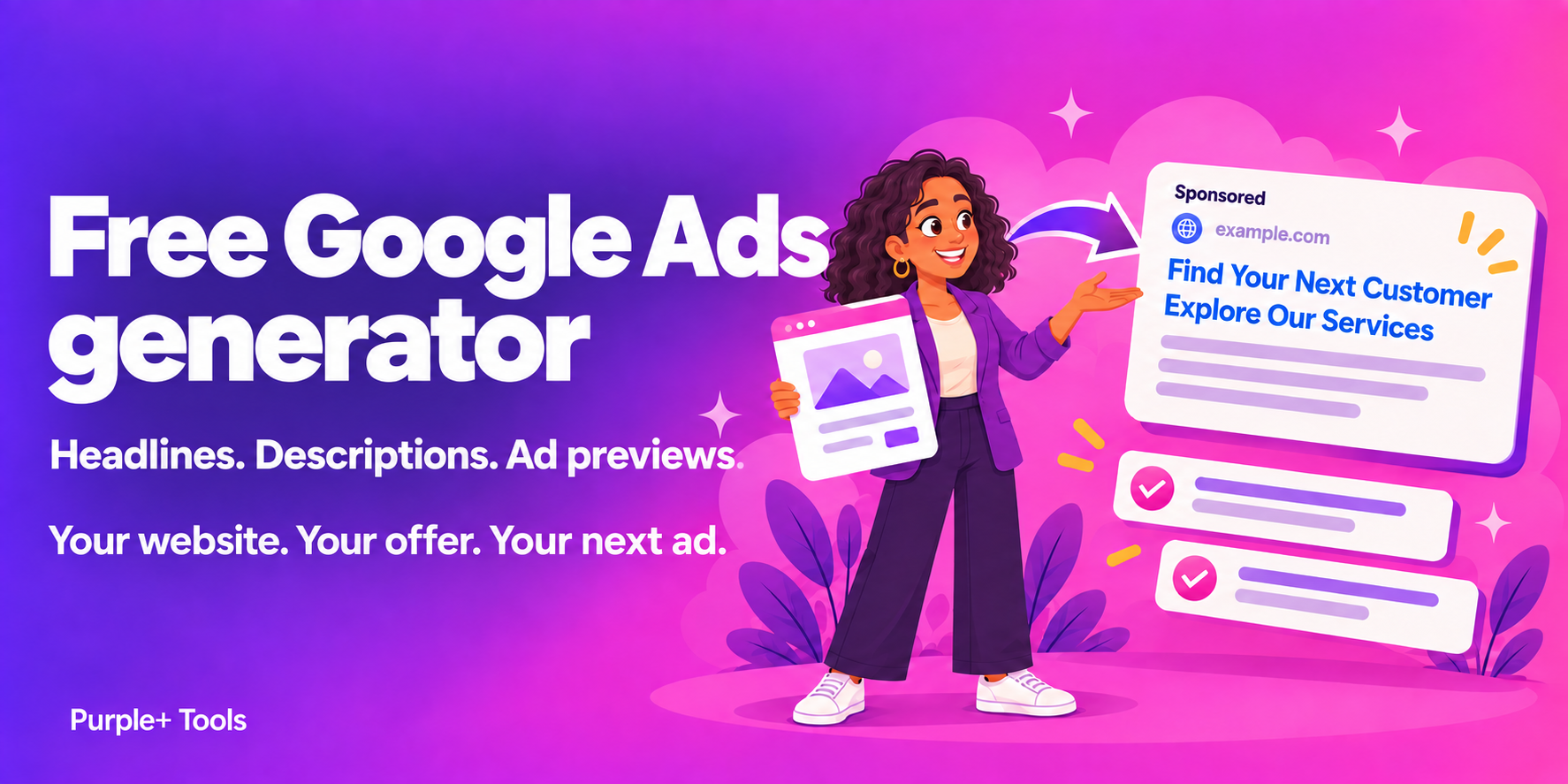
- Preview and copy. Choose the assets to preview, cycle through combinations on mobile and desktop, then copy single lines or the full set.
Headline examples for different businesses
Each of these fits Google's 30-character headline limit. Character counts include spaces.
| Business | Angle | Headline | Characters |
|---|---|---|---|
| Local plumber | Keyword | Emergency Plumber in Leeds | 26/30 |
| Local plumber | Trust | Gas Safe Registered Engineers | 29/30 |
| Online fashion shop | Offer | Free UK Delivery Over £50 | 25/30 |
| Online fashion shop | Feature | New Linen Shirts Just In | 24/30 |
| Accountancy firm | Benefit | Stress-Free Tax Returns | 23/30 |
| Accountancy firm | Call to action | Book a Free Consultation | 24/30 |
| Yoga studio | Keyword | Beginner Yoga Classes | 21/30 |
| SaaS product | Benefit | Close Your Books in Half a Day | 30/30 |
Google's headline and description limits
- Headlines: up to 30 characters each, with up to 15 per responsive search ad.
- Descriptions: up to 90 characters each, with up to four per ad.
- Double-width characters count as two.
- Headlines can't include exclamation marks, and emoji aren't allowed in either.
- Repeating the same wording across assets gives Google fewer useful combinations.
Combining keywords, benefits and calls to action
Strong sets mix angles. Put your main keyword in a few headlines so the ad matches what people search for. Use others for the outcome the customer gets, a genuine offer, something that builds trust, and a clear next step such as "Book a Free Consultation". Descriptions have room to join these together, for example a benefit followed by the action you want someone to take.
For a deeper walkthrough, read how to use AI for Google Ads or using ChatGPT for Google Ads.
What happens when you continue in Purple+
When you save your ad, Purple+ opens it in your workspace after you sign up or sign in, with your headlines, descriptions and brief intact. From there you can keep building the campaign. See how Google Ads management in Purple+ works.
Frequently asked questions
Is the Google Ads headline generator free?
Yes. You can generate headlines and descriptions, edit them, copy them and preview your ad without creating an account. Guests have a daily allowance; when it runs out you can save your draft and keep working in Purple+.
How long can a Google Ads headline be?
Each responsive search ad headline can be up to 30 characters, and each description up to 90 characters. Double-width characters, such as Chinese, Japanese or Korean, count as two. The generator checks every asset against these limits as you type.
How many headlines should I write?
A responsive search ad accepts up to 15 headlines and four descriptions. Google tests combinations of them, so a varied set of keyword, benefit, offer and call-to-action headlines gives it more to work with.
Does the preview show exactly how my ad will look?
No. The preview is illustrative. Google decides which headlines and descriptions to show and how to lay them out, so your live ad may look different.
What happens when I save my ad to Purple+?
Your headlines, descriptions and brief are saved to a Purple+ workspace when you sign up or sign in, so you can continue building the campaign there instead of starting again.